
Taking Clear Minecraft Screenshots with Shaders
Plan lighting, composition and settings for readable shader screenshots.
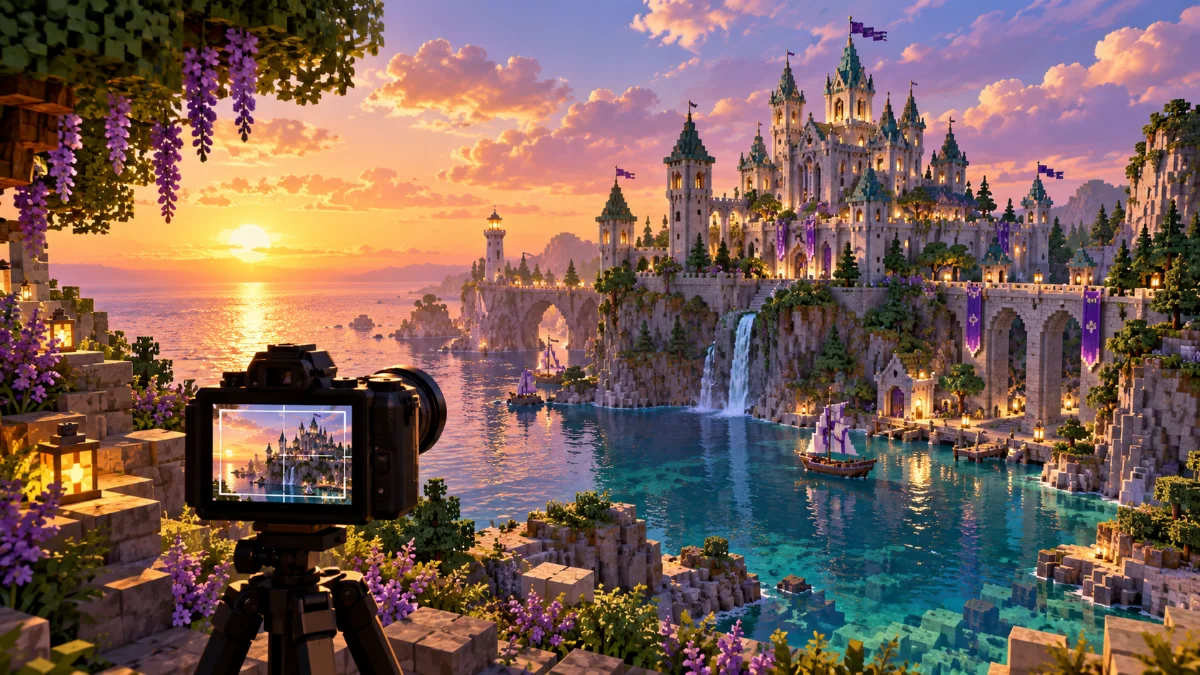
Choose a subject first
Decide whether the image should show a building, a landscape or a small detail. Move the camera until the subject has a clear outline. Remove distracting elements from the frame before increasing visual effects.
Match lighting to the scene
Compare daylight, sunset and interior lighting in a test copy of the world. Check whether shadows hide the details you want to show. A dramatic sky can be useful, but the main subject should still be easy to identify.
Keep a reproducible setup
Record the pack, preset, camera location and time of day. Capture at a resolution your computer can handle without instability. If you edit the image later, keep an original copy so you can compare the final result with the game output.