
Shader Performance Settings: What to Adjust First
Use a repeatable method to balance shader effects, image quality and frame rate.
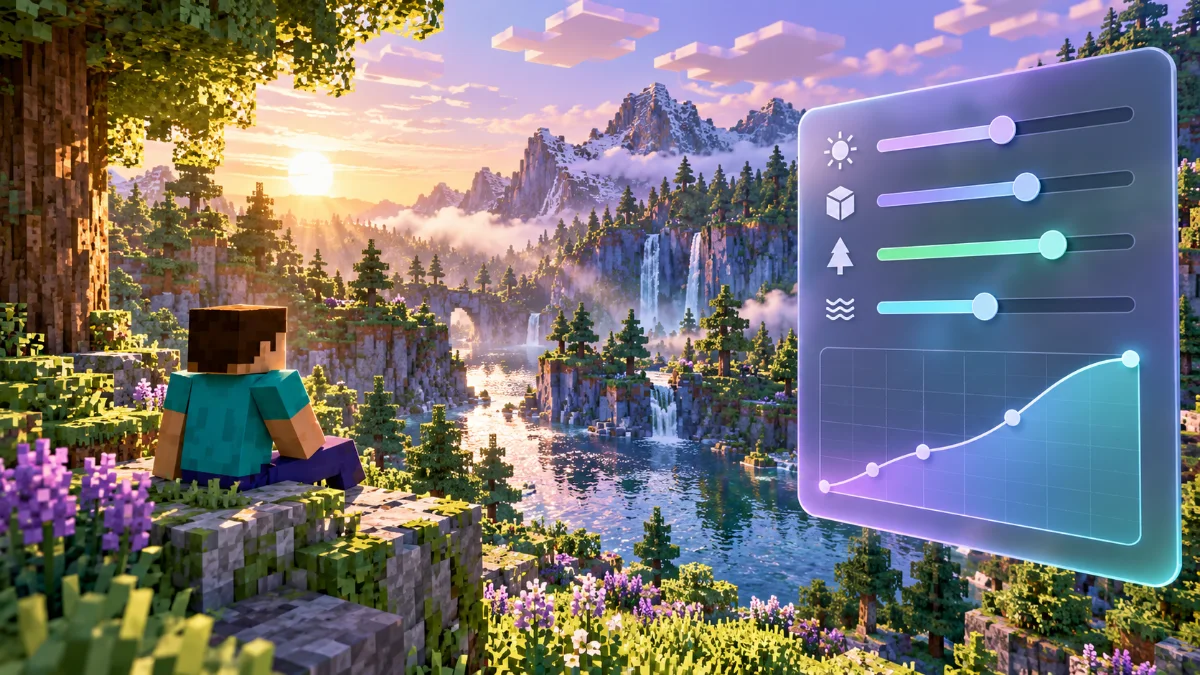
Build a repeatable baseline
Load one test scene and allow world loading to settle before measuring performance. Record resolution, render distance and shader preset. Compare changes in the same location instead of relying on a brief glance at the frame counter.
Reduce costly effects gradually
Try lowering shadow resolution, volumetric effects and reflection quality where your pack offers those settings. Change one option, apply it and compare the result. The cost of each effect depends on the pack and hardware; avoid assuming one preset suits every computer.
Watch consistency as well as averages
Walk through the test area and look for stutters or sharp drops. A stable experience can be more comfortable than a higher average with frequent interruptions. Keep the lowest-quality change that solves the problem and restore options that made no useful difference.