
Using Resource Packs Alongside Shaders
Understand how textures and lighting interact when combining Minecraft resource packs and shaders.
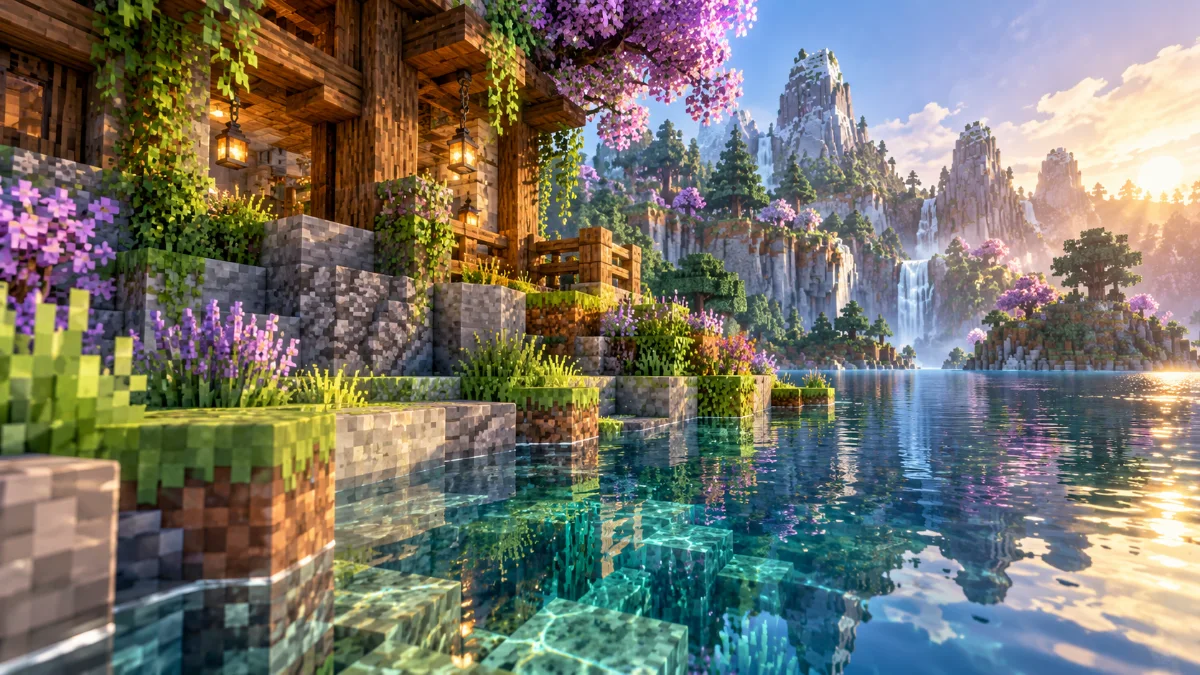
Know what each pack changes
A resource pack changes assets such as textures, while a shader pack changes rendering effects. They can influence the same scene in different ways. Start with ordinary textures to understand the shader's appearance before adding another visual layer.
Check optional material features
Some combinations offer extra material details when both the resource pack and shader support them. Read both sets of documentation before enabling these features. Unsupported options may have no visible effect or may produce unexpected surfaces.
Compare quality and memory use
Higher-resolution textures can increase memory use. Test a busy area with the resource pack alone, then with shaders enabled. If the combined setup stutters, try smaller textures or simpler shader settings and compare in the same scene.