How to Read Mod and Shader Compatibility Notes
Use file-specific requirements and release notes to check a Minecraft rendering setup.
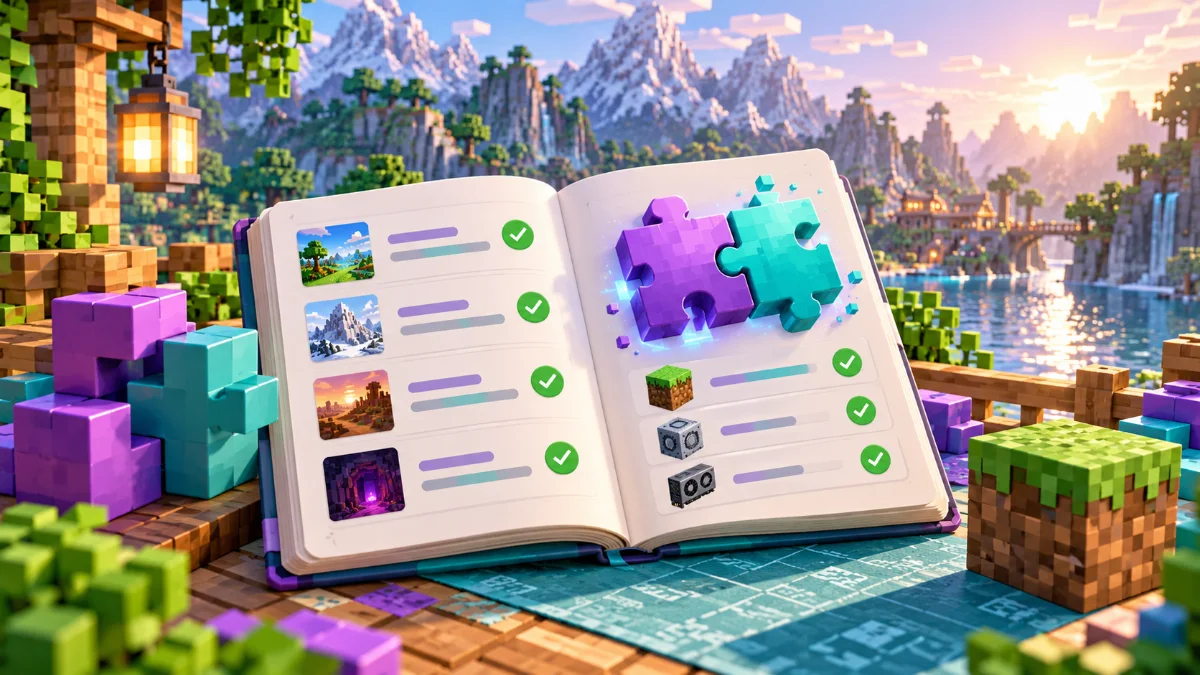
Match the complete environment
Check the Minecraft version, mod loader and required companion mods for each file. Do not rely on a project title alone. A project's download list may contain builds for different environments with different dependencies.
Read known issues before updating
Look for warnings about renderers, shader features and other installed mods. Update a copied instance first and keep the previous files available. A newer release is useful only if it supports the setup you need.
Document your final combination
Keep a list of the exact files that worked together, including your shader pack. If you ask for support, share that list with the error and reproduction steps. Clear version information reduces unnecessary back-and-forth.