
Keeping Your Shader Setup Easy to Maintain
Use backups, update notes and saved presets to maintain a dependable Minecraft shader profile.
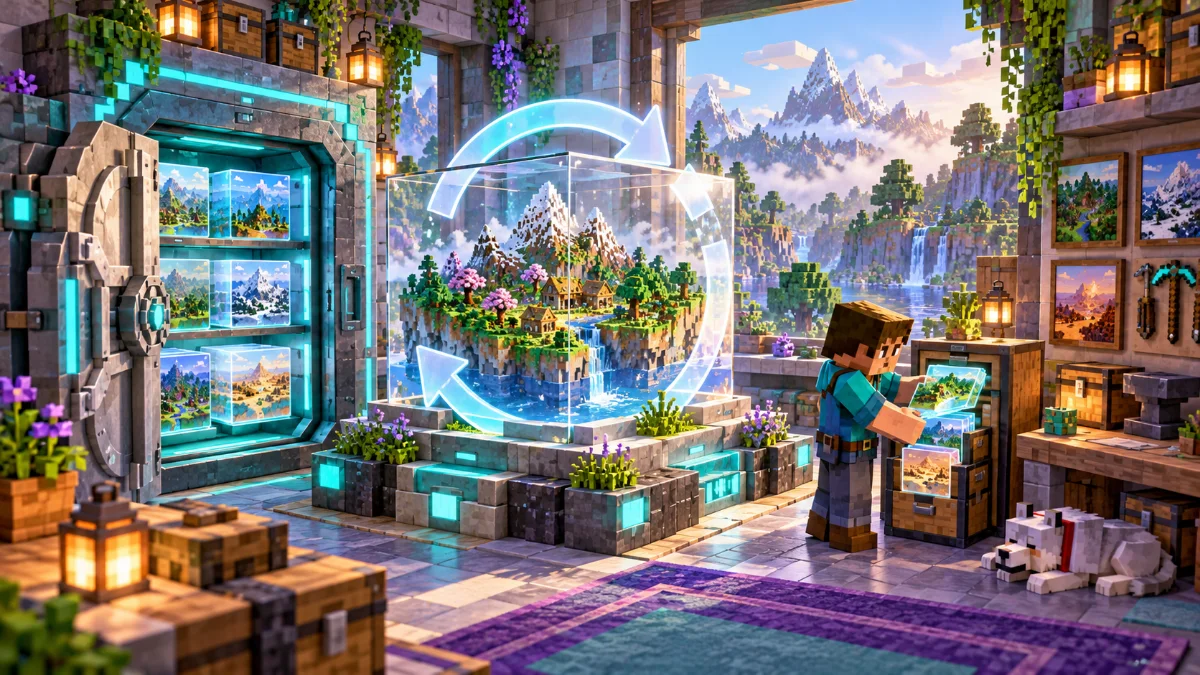
Update with a purpose
Choose updates that address a problem or provide a feature you want. Read the release notes and requirements before replacing files. Avoid changing the loader, renderer, shader and resource pack all at once if you need to understand the result.
Keep a small change record
Record the date, replaced file and reason for each change. Note whether startup, world loading and shader activation succeeded. A few clear lines are enough to make a later rollback much easier.
Retest your everyday scenes
Visit your base, an outdoor area and a location with water after a change. Check motion and lighting as well as screenshots. Save a new backup once the updated profile behaves reliably in the places you actually play.