
How to Customize Shader Lighting and Color
Tune exposure, color temperature and bloom while keeping Minecraft readable.
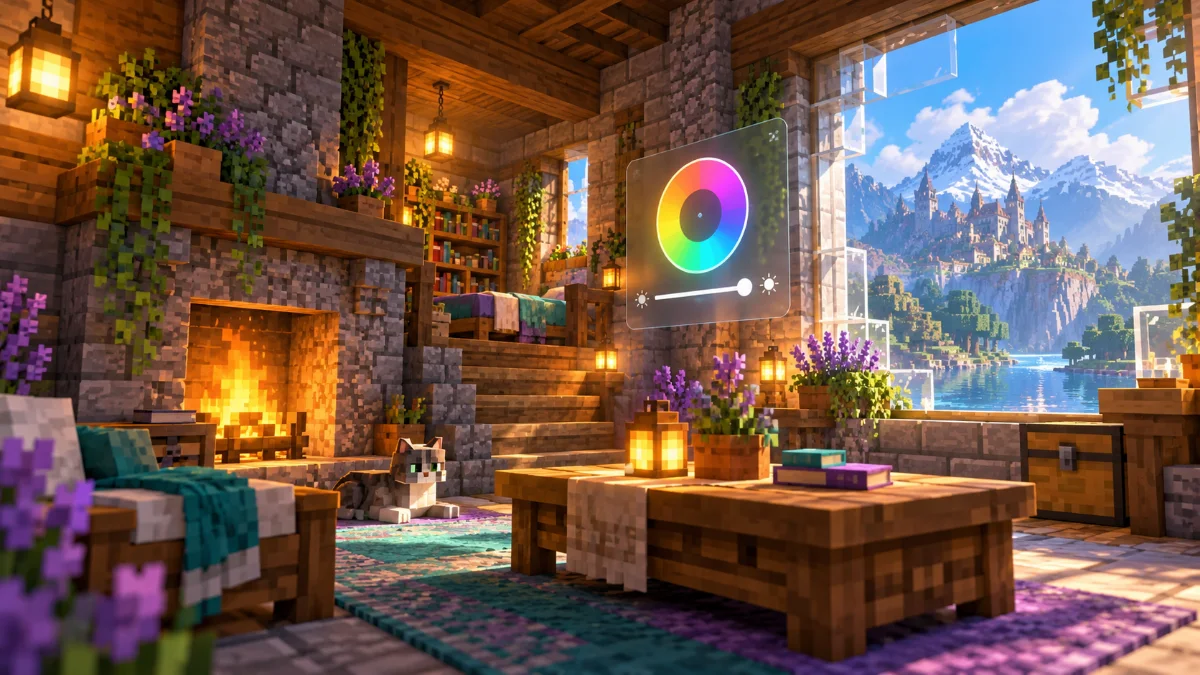
Begin with exposure
Check a bright outdoor scene and a dim interior before changing exposure. If your shader includes automatic exposure, observe how quickly it adapts when you move between them. Avoid fixing one scene in a way that makes another difficult to see.
Use color changes sparingly
Adjust saturation and color temperature in small steps. Compare grass, stone, skin tones and your favorite building blocks. Strong grading can look dramatic in a screenshot while making materials harder to distinguish during ordinary play.
Keep glow under control
Bloom adds a glow around bright areas when supported by the pack. Test it around torches, windows and reflective water. Reduce the effect if it hides edges or makes text and nearby objects uncomfortable to look at.